Advice
What is Android Auto?
Our guide fully explains what Android Auto is, which cars and phones support it and its best features
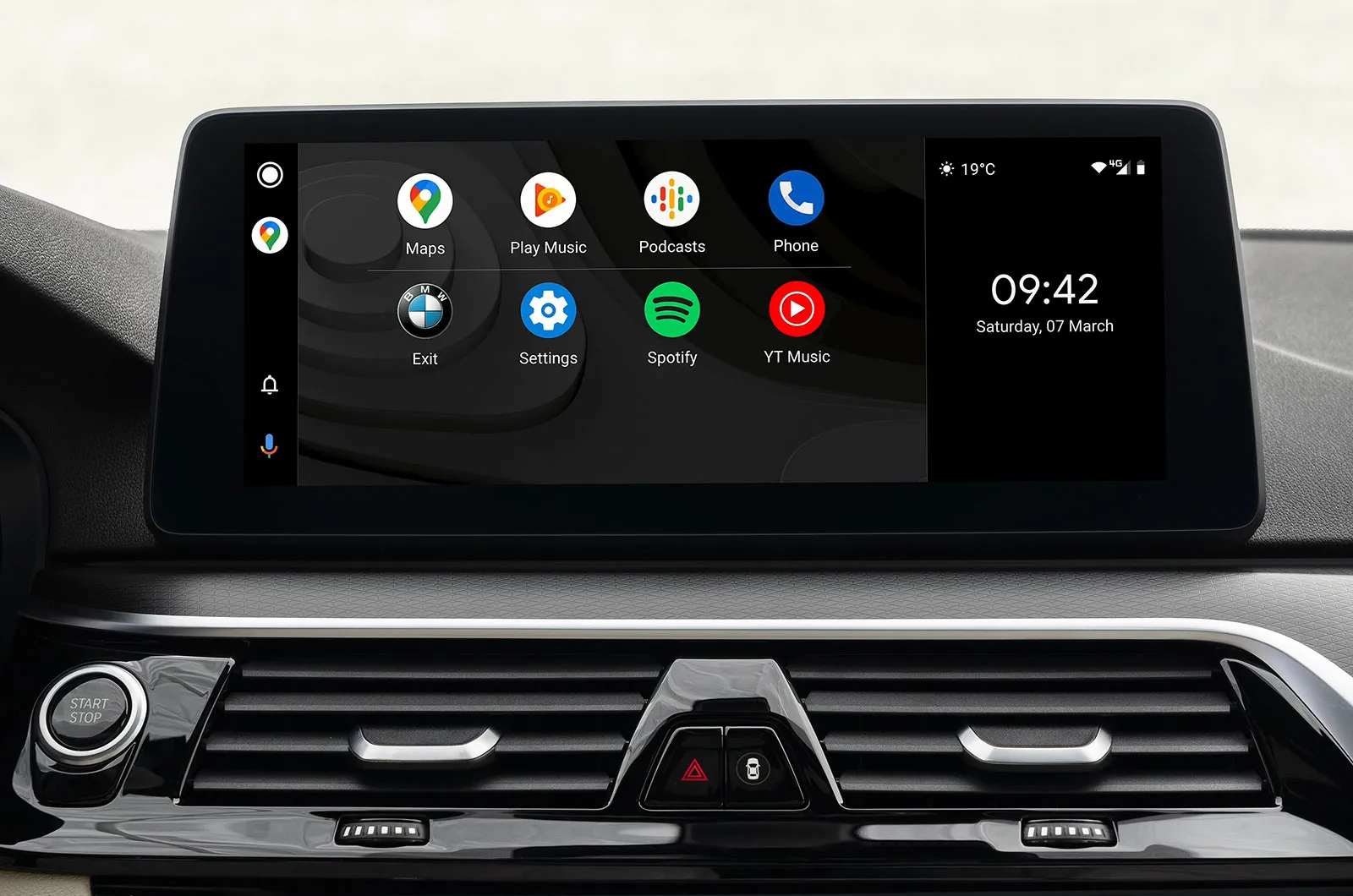
Android Auto is a smartphone mirroring app that allows drivers to connect a smartphone to their car’s infotainment system. Its main purpose is to help drivers maintain full concentration on the road while also having access to phone content such as messaging, calling, music services and sat-nav.
advertisement
scroll for more
It operates in a similar way to Apple CarPlay, which means the system projects a simplified version of your phone’s home screen onto your car’s infotainment screen to provide an intuitive connection between the two. It’s a great way to stay connected on the move, especially because it’s illegal to hold or use a mobile phone while driving.
Here, we take an in-depth look at how to use Android Auto, plus we show you whether your car or phone supports it. We also explain the pros and cons of using it, plus if there are any alternative systems available.
How does Android Auto work and how to connect
Before connecting your phone, it’s important to make sure your phone and your car are compatible with Android Auto. If your smartphone runs on the Android 9 operating system or below, you will need to download the Android Auto app for it to work. If your phone operates Android Auto 10 or above, you don’t need an app because the compatibility is built in.

Charlotte Walsh
Updated: 10 October 2026
Car reviews
Honda HR-V
Kia EV3
BMW i3
View all new car reviews
The connecting process for Android Auto is very simple, because you can connect a smartphone via a USB-A or USB-C cable, or via Android Auto Wireless (Bluetooth).
advertisement
scroll for more
Once the system is connected, functions can be controlled in the same manner as you’d operate your car’s infotainment system, using the touchscreen, voice commands, buttons or a rotary dial. Of course, this depends on the car, but we tend to prefer systems with a mixture of physical and touchscreen controls, like in the BMW 3 Series, because this minimises distraction while driving.
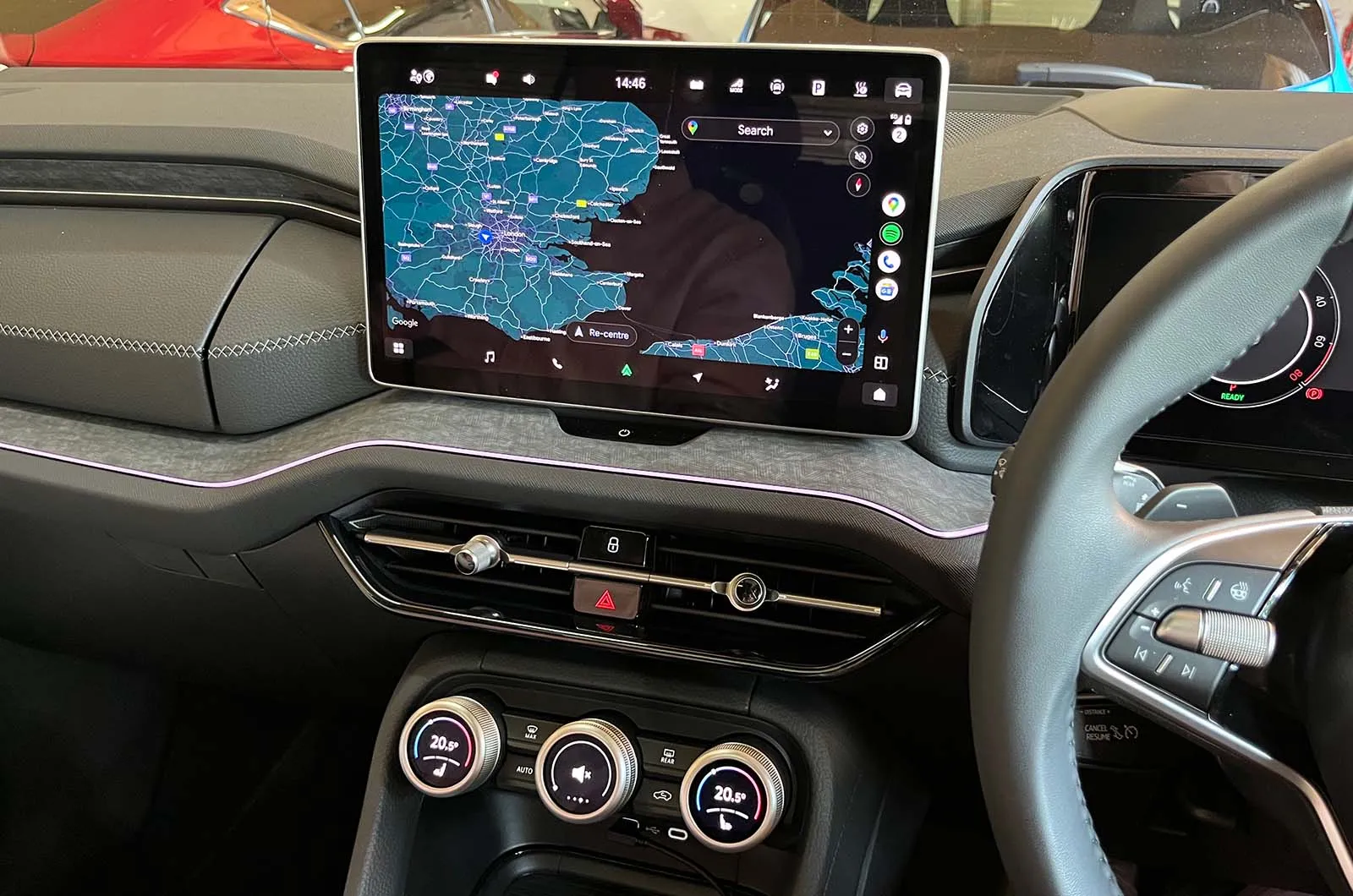
To connect using a USB cable, first you need to connect your phone via its USB-C socket, then plug the USB-A or USB-C end into the appropriate port on your car, which is usually located below the infotainment system at the base of the centre console.
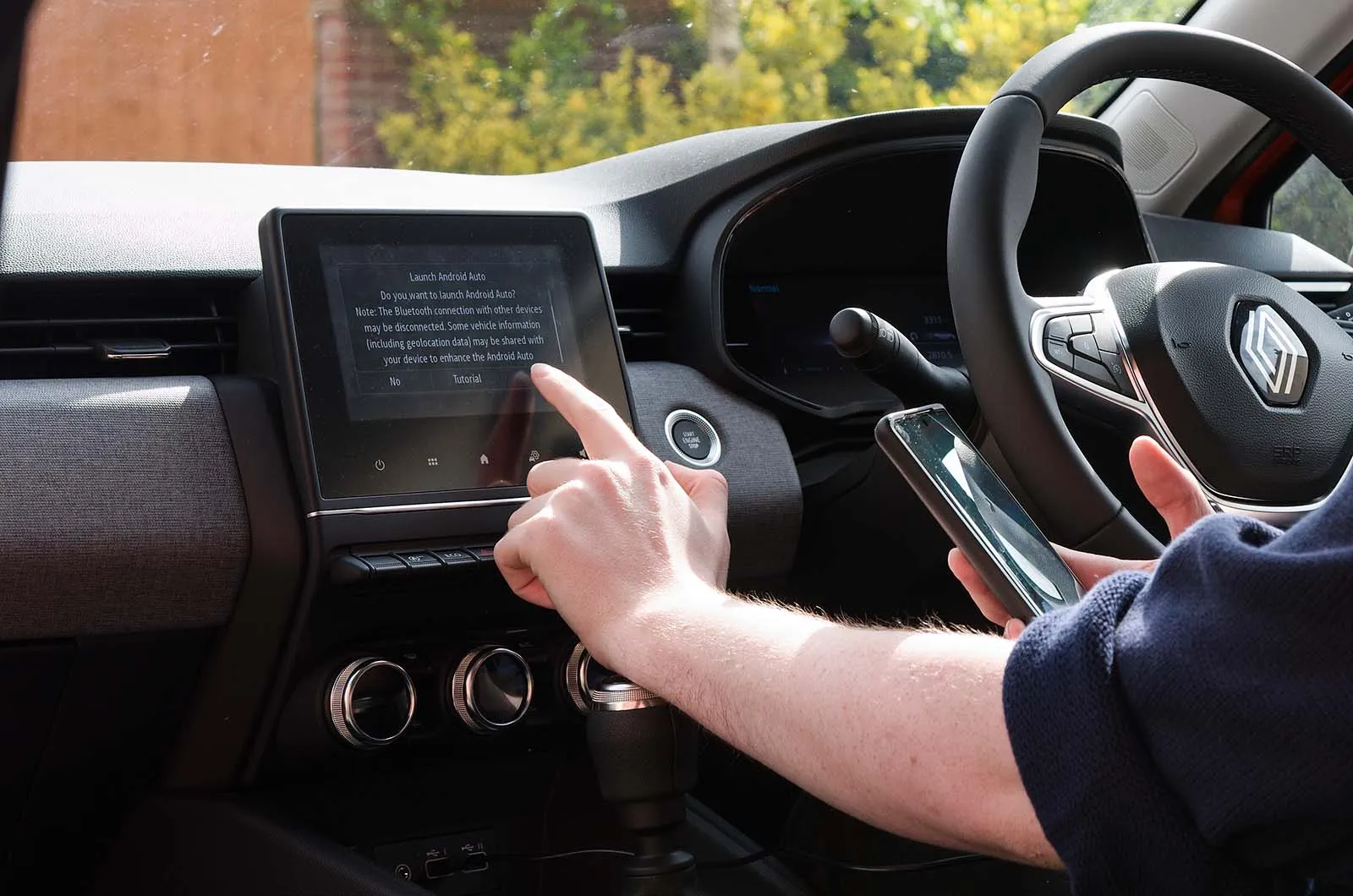
Once it’s all hooked up, a message should appear asking if you want to start and pair your phone to Android Auto. Simply press ‘pair’ and the system will start.
How to connect to wireless Android Auto
When connecting to Android Auto Wireless, a similar procedure to the physical connection applies. The first time you connect your phone to your car, you will need to use the USB or USB-C cable to pair them, and follow the on-screen instructions. When you next get into your vehicle, Android Auto Wireless will then automatically connect your phone to the car's infotainment system via Bluetooth. It will then operate in an identical way to how it would be if it were plugged in physically.
advertisement
scroll for more
To ensure your phone battery doesn’t drain, it’s useful to make sure your phone is charging while Android Auto is running; the system uses data from your phone, so your phone battery can drain quickly if it’s not being charged.
For this you’ll need the correct charging lead, or use wireless charging if your phone and car supports it.
Android Auto and Google Built-in updates – what's the difference?
Smartphone mirroring vs Google Built-in:
Standard Android Auto projects mobile applications from a connected smartphone directly onto the car's display screen via a wired or wireless connection. In contrast, Google Built-in (Android Automotive OS) serves as a full standalone operating system integrated directly into the vehicle. Found in some models from Honda, Ford, Polestar, Renault and Volvo.
Key updates and AI features:
The updated "Coolwalk" interface for Android Auto introduces a flexible split-screen design that displays navigation, media controls and incoming messages simultaneously across different screen sizes, making physical controls and buttons easier and less distracting to use on the move. Google Gemini AI brings enhanced voice interaction, context-aware assistance and automated text summaries to the platform. Plus, electric vehicle navigation is upgraded so Google Maps can locate suitable high-speed chargers along a route and automatically precondition the battery for optimal charging speeds on arrival.
advertisement
scroll for more
Best Android Auto apps: which apps support Android Auto?
Many Android apps that are pre-installed on your smartphone support Android Auto, as well as a large number of third-party apps. Many of the best apps can be downloaded and used for free, although some may require a paid-for subscription to unlock more advanced features.
There are dozens of compatible apps available, but these are widely regarded as some of the best Android Auto apps:
Best Android Auto navigation apps
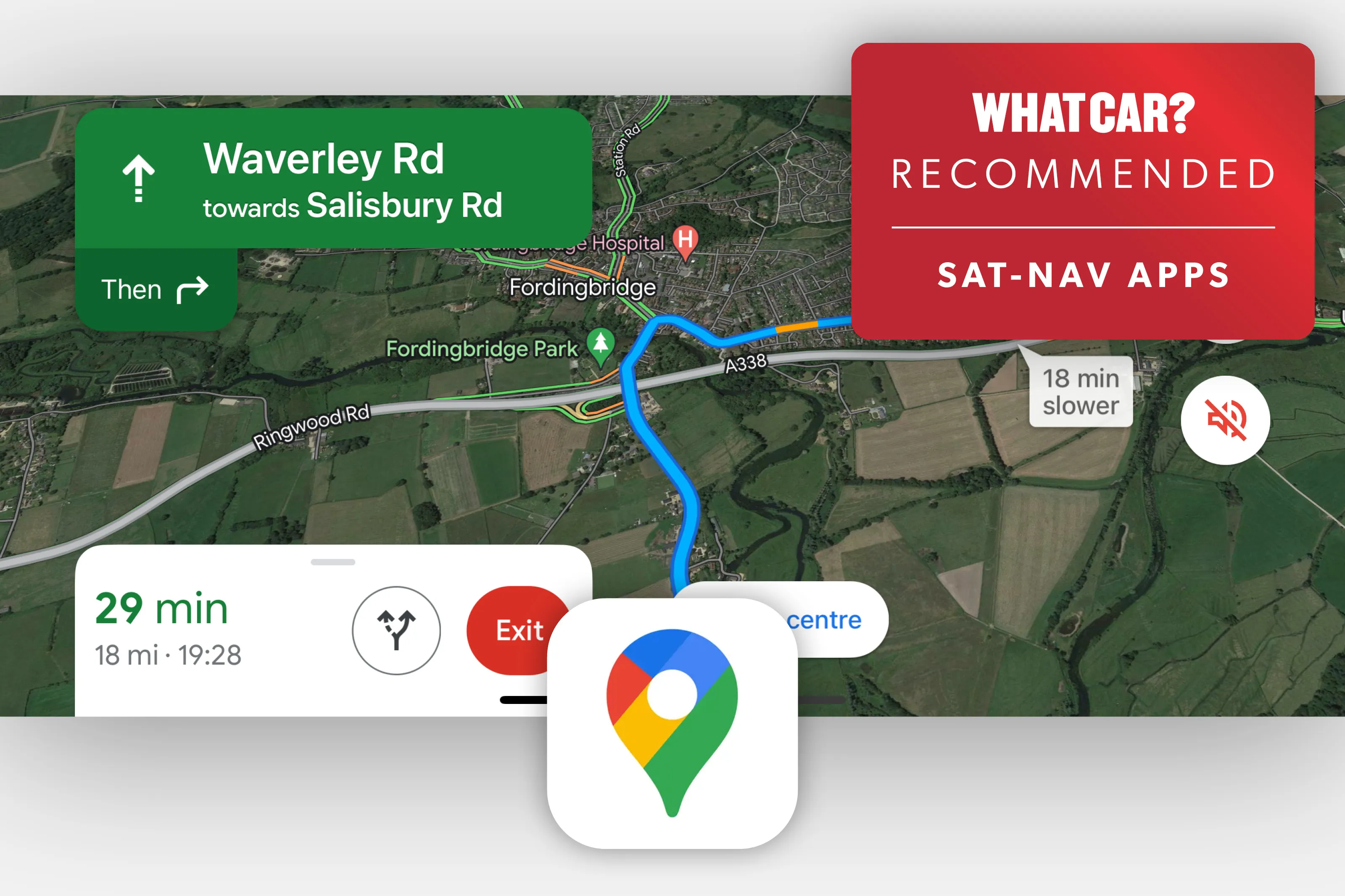
Google Maps – the default app providing real-time traffic information
Waze – another great, free app, which offers real-time traffic and road hazard information
TomTomGo – a subscription-based navigation that offers offline maps, real-time traffic alerts and turn-by-turn directions
Best Android Auto music apps
Spotify – a popular streaming service for music and podcasts. It’s free to use with adverts, or you can pay for the adverts to be removed and remove the limit on skipping tracks
advertisement
scroll for more
Amazon Music – a music and podcast streaming service that’s free for Amazon Prime users. If you don’t have an Amazon Prime subscription, you can listen for free with adverts
Audible – a subscription-based audiobook and podcast streaming service. It’s owned by Amazon, but it isn’t linked to Amazon Prime
YouTube Music – a free music streaming app. Unlike regular YouTube, it streams audio content, rather than video
Tidal – a subscription-based high-fidelity music streaming app, which means it offers songs in higher quality than rival apps
Google Music – a music and podcast streaming service that comes pre-installed on Android phones. It is free to use with adverts
Google Play Books – a subscription-based audio book app
Other great Android Auto apps
WhatsApp – a free messaging and calling app that helps you stay connected while driving.
Microsoft Teams – an app that enables you to make Teams calls while driving
Google Messages – a Google-based free messaging and calling app
advertisement
scroll for more
Facebook Messenger – a free messaging and calling app that’s operated through your Facebook profile
Best Android Auto apps for electric cars
Zap Map – a popular charging point locator app. You can only use it on Android Auto if you have a premium subscription
Charge Point – an electric car charging app that helps you locate charging points as well as pay for charging through the app
What are the pros of Android Auto?
The main advantage of using Android Auto is improved road safety, because it minimises the need to look at and use your phone while driving. Other benefits include the slick operating system (which is why many drivers prefer it to built-in infotainment systems), plus the fact it gives you access to third party apps on the move. Unlike some older built-in infotainment systems, Android Auto supports over-the-air updates, meaning you can get the latest version of the system without having to visit a dealer to get the latest updates.
advertisement
scroll for more
What are the cons of Android Auto?
Despite improving road safety, Android Auto can still be distracting to use while driving because the apps and content it supports can cause the driver to take their eyes and hands off the road when they use the system. Other negatives include a sometimes buggy operating system, voice recognition errors (from the voice command system), as well as lag caused by poor phone signal.
Are there any alternatives to Android Auto?
There are several alternatives that offer the same features as Android Auto, including MirrorLink and AutoMate. For iPhone users, Apple CarPlay is available and offers many of the same features.
Can I add Android Auto to an older car?
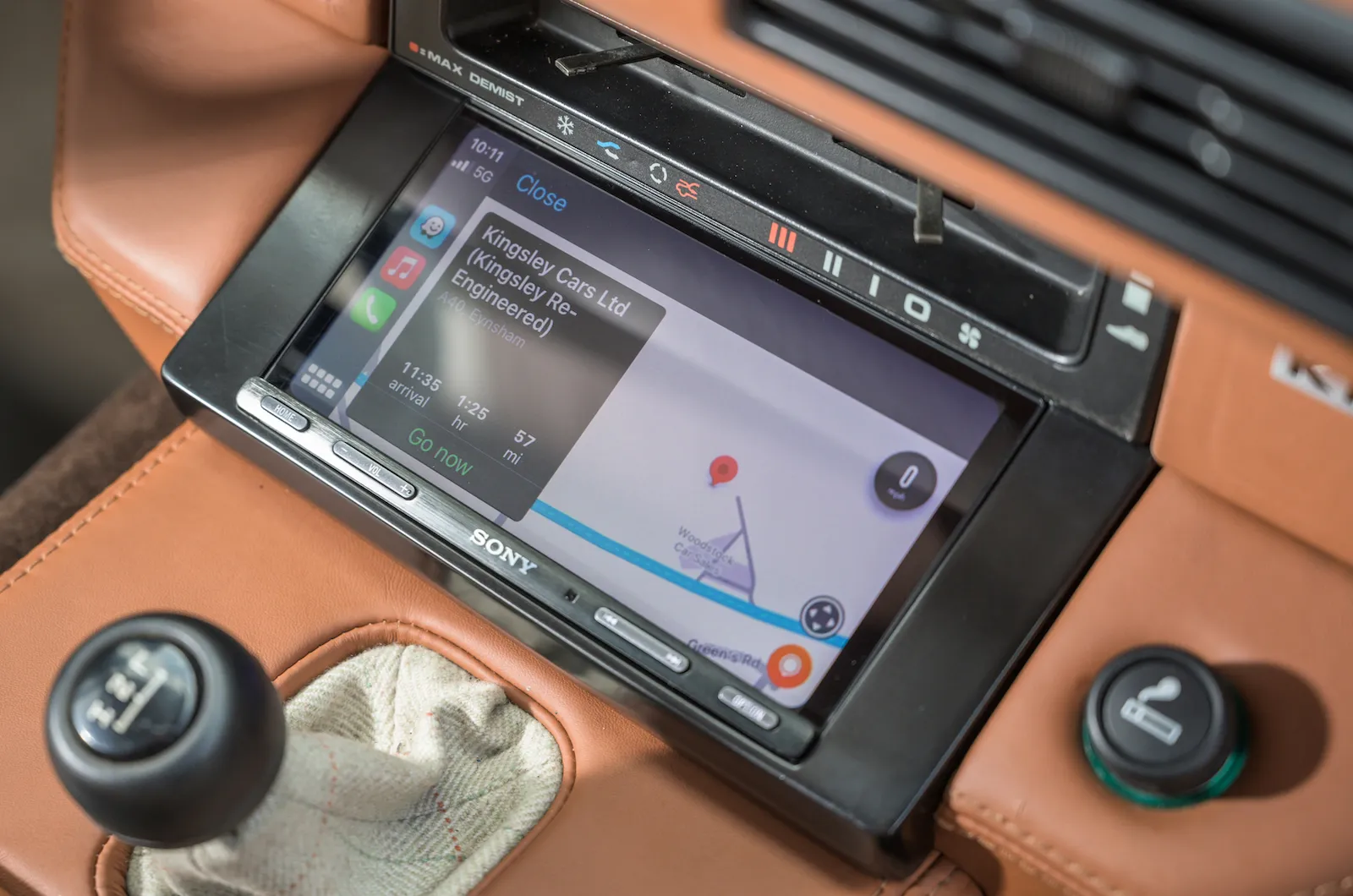
Yes, you can add Android Auto to an older car simply by installing an aftermarket stereo, often referred to as a head unit. Alpine, Pioneer, Sony and JVC are just some brands that produce infotainment systems compatible with Android Auto. Prices start from around £250, and all will include a screen as well as a DAB radio and Bluetooth.
advertisement
scroll for more
Which cars support Android Auto?
Most new cars support Android Auto, but there are some models that don’t support the service. These include the Porsche 718 Boxster, Porsche 718 Cayman, Tesla Model 3, Tesla Model Y and Toyota GR Supra.
Polestar models, on the other hand, operate an Android-based infotainment system, so you can’t use Android Auto in any of its cars. This includes the Polestar 2, Polestar 3 and Polestar 4.
These are the new cars that do support Android Auto:
Abarth 595
Abarth 695
Abarth 500e
Alfa Romeo Giulia
Alfa Romeo Junior
Alfa Romeo Tonale
Alfa Romeo Stelvio
Alpina B3/B3 Touring
Alpina D3/D3 Touring
Alpina B4/D4
Alpina B8
Alpine XD3
Alpina XB7
Alpine A110
Aston Martin Vantage
Aston Martin DB12/DB12 Volante
Aston Martin DBS/DBS Volante
Aston Martin DBX
Audi A1
Audi A3/A3 Saloon/S3/RS3
Audi A4/A4 Avant/RS4
Audi A5 Coupé/A5 Sportback
Audi A6/A6 Avant/RS6
Audi A7/RS7
Audi A8/S8
Audi E-tron GT
Audi Q2/SQ2
Audi Q3/Q3 Sportback/RS Q3
Audi Q4/Q4 Sportback
Audi Q5/Q5 Sportback
advertisement
scroll for more
Audi Q6
Audi Q7/SQ7
Audi Q8/SQ8/RS Q8
Audi Q8 E-tron/Q8 E-tron Sportback
Audi R8
Bentley Continental GT/Continental GTC
Bentley Flying Spur
Bentley Bentayga
BMW 1 Series
BMW 2 Series/2 Series Gran Coupé/2 Series Active Tourer
BMW 3 Series/3 Series Touring/M3
BMW 4 Series Coupé/4 Series Convertible/M4
BMW 4 Series Gran Coupé
BMW i4
BMW 5 Series/5 Series Touring
BMW i5/i5 Touring
BMW 7 Series
BMW i7
BMW 8 Series/8 Series Convertible
BMW 8 Series Gran Coupé/M8
BMW X1/iX1
BMW X2/iX2
BMW X3/iX3
BMW X4
BMW X5
BMW X6
BMW X7
BMW iX
BMW XM
BMW Z4
BYD Dolphin
BYD Seal
BYD Atto 3
BYD Seal U
Chevrolet Corvette
Citroën C3/e-C3
Citroën C3 Aircross
Citroën C4/e-C4
Citroën C4 X/e-C4 X
Citroën C5 Aircross
Citroën C5 X
Citroën Berlingo/e-Berlingo
Citroën Spacetourer/e-Spacetourer
Cupra Born
Cupra Leon/Leon Estate
Cupra Formentor
Cupra Ateca
Dacia Spring (upper trims)
Dacia Sandero/Sandero Stepway (upper trims)
Dacia Duster (upper trims)
Dacia Jogger (upper trims)
DS3/DS3 E-Tense
DS4
DS7
DS9
Ferrari Roma/Roma Spider
advertisement
scroll for more
Ferrari 296 GTB
Ferrari 812 Superfast
Ferrari SF90
Ferrari Purosangue
Fiat 500 Hybrid/500C Hybrid
Fiat 500 Electric/500 Electric Convertible
Fiat Panda (upper trims)
Fiat 500X
Fiat 600/600e
Ford Focus/Focus Estate/Focus ST
Ford Puma/Puma ST
Ford Kuga
Ford Explorer
Ford Mustang Mach-E
Ford Tourneo Courier
Ford Tourneo Connect
Ford Mustang/Mustang Convertible
Genesis G70/G70 Shooting Brake
Genesis G80/Electrified G80
Genesis GV60
Genesis GV70/Electrified GV70
Genesis GV80
Honda Jazz
Honda Civic
Honda HR-V
Honda e:Ny1
Honda ZR-V
Honda CR-V
Hyundai i10
Hyundai i20/i20N
Hyundai i30/i30 Tourer
Hyundai Ioniq 5/Ioniq 5 N
Hyundai Ioniq 6
Hyundai Bayon
Hyundai Kona/Kona Electric
Hyundai Tucson
Hyundai Santa Fe
Ineos Grenadier
Jaguar XE
Jaguar XF/XF Sportbrake
Jaguar E-Pace
Jaguar F-Pace/F-Pace SVR
Jaguar I-Pace
Jaguar F-Type/F-Type Convertible
Jeep Avenger/Avenger Electric
Jeep Renegade
Jeep Compass
Jeep Wrangler
Jeep Grand Cherokee
KGM Tivoli
KGM Korando
KGM Torres/Torres EVX
KGM Rexton
Kia Picanto
Kia Ceed/Ceed Sportwagon
Kia ProCeed
Kia XCeed
Kia Stonic
advertisement
scroll for more
Kia Soul EV
Kia Niro/Niro EV
Kia Sportage
Kia EV6
Kia Sorento
Kia EV9
Lamborghini Huracan/Huracan Spyder
Lamborghini Revuelto
Lamborghini Urus
Land Rover Discovery Sport
Land Rover Discovery
Land Rover Defender (90/110/130)
Land Rover Range Rover Evoque
Land Rover Range Rover Velar
Land Rover Range Rover Sport
Land Rover Range Rover
Lexus ES
Lexus LS
Lexus LBX
Lexus UX/UX Electric
Lexus NX
Lexus RZ
Lexus RX
Lexus LM
Lotus Emeya
Lotus Eletre
Lotus Emira
Maserati Ghibli
Maserati Quattroporte
Maserati Grecale/Grecale Folgore
Maserati Levante
Maserati GranTurismo/GranTurismo Folgore
Maserati GranCabrio/GranCabrio Folgore
Maserati MC20/MC20 Cielo
Maxus Mifa 9
Mazda 2
Mazda 2 Hybrid
Mazda 3/3 Saloon
Mazda CX-30
Mazda MX-30 RE-V/MX-30 EV
Mazda CX-5
Mazda CX-60
Mazda MX-5/MX-5 RF
McLaren Artura/Artura Spider
McLaren 750S/750S Spider
Mclaren GTS
Mercedes A-Class/A-Class Saloon
Mercedes B-Class
Mercedes CLA/CLA Shooting Brake
Mercedes C-Class/C-Class Estate
Mercedes CLE Coupé/CLE Cabriolet
Mercedes E-Class/E-Class Estate
Mercedes EQE
Mercedes S-Class
advertisement
scroll for more
Mercedes EQS
Mercedes GLA
Mercedes EQA
Mercedes GLB
Mercedes EQB
Mercedes GLC/GLC Coupé
Mercedes EQC
Mercedes GLE/GLE Coupé
Mercedes EQE SUV
Mercedes GLS
Mercedes EQS SUV
Mercedes G-Class
Mercedes SL
Mercedes AMG-GT
Mercedes V-Class
Mercedes EQV
MG3
MG4
MG5
MG ZS/ZS EV
MG HS
Mini Cooper/Cooper Electric
Mini Aceman
Mini Countryman/Countryman Electric
Nissan Leaf
Nissan Juke
Nissan Qashqai
Nissan Ariya
Nissan X-Trail
Omoda 5/5 Electric
Peugeot 208/e-208
Peugeot 308/e-308
Peugeot 308 SW/e-308 SW
Peugeot 408
Peugeot 508/508 SW
Peugeot 2008/e-2008
Peugeot 3008/e-3008
Peugeot 5008/e-5008
Peugeot Rifter/e-Rifter
Peugeot Traveller/e-Traveller
Porsche Panamera
Porsche Taycan/Taycan Cross Turismo/Taycan Sport Turismo
Porsche Macan
Porsche Macan Electric
Porsche Cayenne/Cayenne Coupé
Porsche 911/911 Cabriolet
Renault Clio
Renault Megane
Renault Captur
Renault Austral
Renault Arkana
Renault Scenic
Renault Rafale
Rolls-Royce Ghost
Rolls-Royce Cullinan
Rolls-Royce Phantom
Rolls-Royce Spectre
Seat Ibiza
Seat Leon/Leon Estate
Seat Arona
Seat Ateca
advertisement
scroll for more
Seat Tarraco
Skoda Fabia
Skoda Octavia/Octavia Estate
Skoda Superb/Superb Estate
Skoda Kamiq
Skoda Karoq
Skoda Enyaq iV/Enyaq iV Coupé
Skoda Kodiaq
Smart #1
Smart #3
Subaru Outback
Subaru Crosstrek
Subaru Forester
Subaru Solterra
Suzuki Swift
Suzuki Swace
Suzuki Ignis
Suzuki Vitara
Suzuki S-Cross
Suzuki Across
Toyota Yaris/GR Yaris
Toyota Corolla/Corolla Touring Sports
Toyota Prius
Toyota Aygo X
Toyota Yaris Cross
Toyota C-HR
Toyota RAV4
Toyota bZ4X
Vauxhall Corsa/Corsa Electric
Vauxhall Astra/Astra Electric/Astra Sports Tourer/Astra Electric Sports Tourer
Vauxhall Crossland
Vauxhall Mokka/Mokka Electric
Vauxhall Grandland
Vauxhall Combo Life/Combo Life Electric
Vauxhall Vivaro Life /Vivaro Life Electric
Volkswagen Polo
Volkswagen Golf/Golf Estate/Golf GTI/Golf R
Volkswagen ID 3
Volkswagen Passat
Volkswagen Arteon/Arteon Shooting Brake
Volkswagen ID 7/ID 7 Tourer
Volkswagen T-Cross
Volkswagen Taigo
Volkswagen T-Roc/T-Roc Cabrio
Volkswagen Tiguan
Volkswagen ID 4
Volkswagen ID 5
Volkswagen Touareg
Volkswagen Touran
Volkswagen Multivan
advertisement
scroll for more
Volkswagen ID Buzz
Volvo XC40
Volvo EX40
Volvo EC40
Volvo XC60
Volvo XC90
Will my phone support Android Auto?
Any smartphone that operates an Android operating system will be compatible with Android Auto. However, the method of connecting the phone will depend on the age of the operating system, because systems below Android Auto 9 will require an app to be downloaded.
Theses are the main smartphone brands that use an Android operating system:
HTC
Lenovo
LG
Motorola
Nokia
Oppo
Samsung
Sony
Xiaomi
For all the latest reviews, advice and new car deals, sign up to the What Car? newsletter here
Read more: What is Apple CarPlay? >>
Safety and technology
News and advice
Sponsored
The 10 fastest-depreciating electric cars
News
Complete the What Car? EV charging survey
News
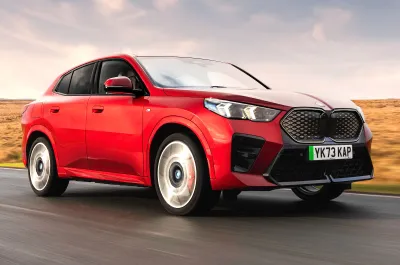
Deal of the Day: Lease a BMW iX2 from £294 per month
Best of
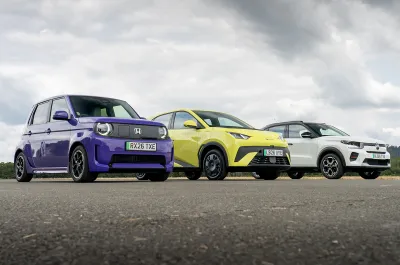
Cheapest electric cars: the UK's 10 most affordable EVs ranked
News

What Car? Reader Award: vote for the most exciting new car of 2027
News